For iPhone and iPad · Coming soon
One day at a time.
Dailies is a calm way to live with your photo library. Rate as you go, and your best rise to the top. Nothing is thrown away.
One day
Twenty thousand photos is a wall. Twenty is an evening.
- M
- T
- W
- T
- F
- S
- S
Today
Look back. Every day.
Today sets out one day’s photos, and On This Day brings back the same date from other years. Finish a day and its ring closes. The photos stay.
Rating
The best of every day.
Rate with one drag across the stars. It takes a second a photo, and it’s the one decision everything else is built on. Sort by rating and your best rise to the top.
Gallery · Filters · Smart Albums
Narrow it to what matters.
Filter by rating, date, format, look, favorite, edited and more. Match all to narrow, match any to widen. Sort by date, date added, rating or size. Filters answer once; save one as a Smart Album and it keeps answering, current as you rate, edit and shoot.
Smart Albums with Dailies Plus
6 photos
- 07:48
- 10:05RAW
- 13:20RAW
- 15:37
- 17:15RAW
- 19:26RAW
Set a filter, then save it. It appears in Albums and keeps itself current.
And when a day is a whole shoot.
Batch · Cull · Develop
A whole shoot, finished.
Gather photos into a batch from anywhere. Cull rates the shoot, keepers first, by reading for closed eyes, soft or turned-away faces and near-duplicates. Every rating is yours to change. Then Develop gives the keepers one grade, and Enhancer fits each photo on its own, so the set matches without looking copy-pasted.
Batch, Cull and Develop with Dailies Plus
Batch · 0
Cull only rates. Nothing leaves your library.
Develop · Film
Develop it like a negative.
Develop opens RAW and ProRAW as the sensor saw them, not as the phone decided. Real shadows, and highlights that roll off. Character runs from Calm to Full: on a ProRAW, Calm brings clouds and shadows back.
Editing with Dailies Plus
Adjust · Crop
And the corrections you’d expect: White Balance, Exposure, Highlights & Shadows, Levels, Contrast, Color and Detail, with Enhancer to give you a starting point. Crop with aspect presets, rotate and flip.
Film · Grain
Grain, the way film makes it.
Editing with Dailies Plus
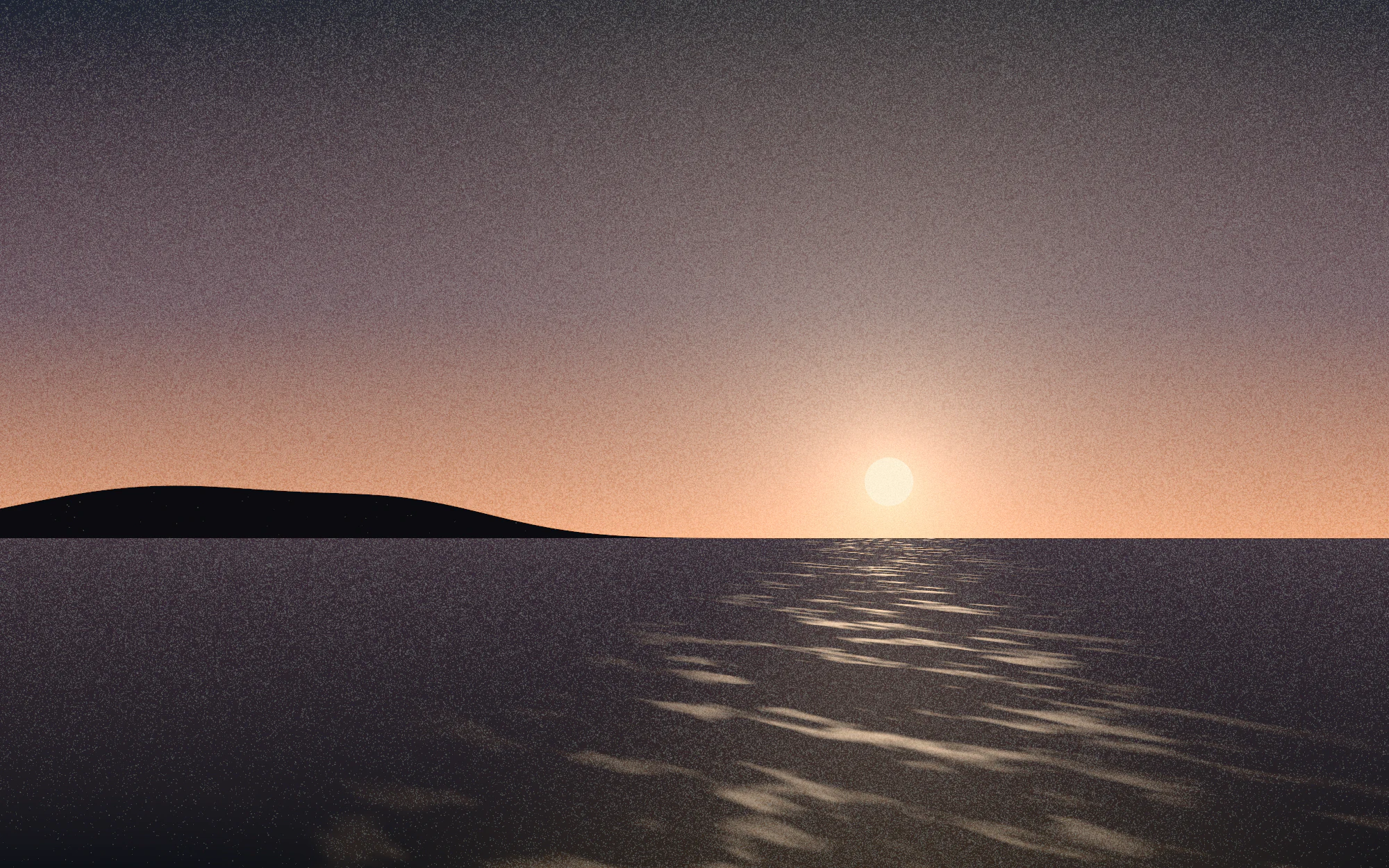
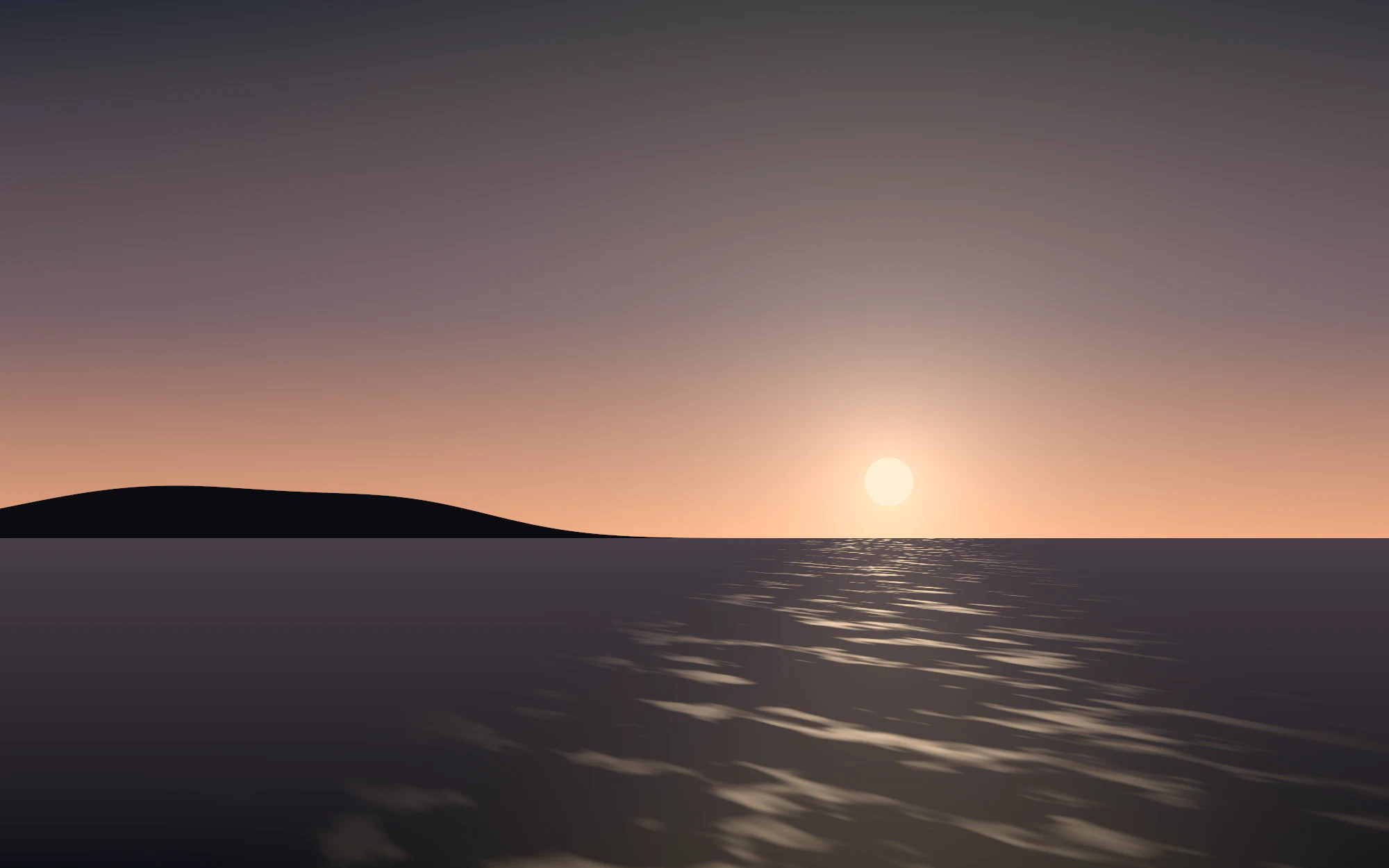
Grain in Dailies isn’t laid over your photo. It’s grown in it. Each grain is a crystal, scattered the way silver halide sits in an emulsion, after Newson, Delon and Galerne’s research on stochastic film grain. The tone beneath sets how many land, so grain thickens through the midtones and leaves deep black and bright white clean. The three dye layers of a colour negative each grow their own, so it reads as film, not grey noise. Format sets how far the negative is enlarged: 8mm turns to dye clouds, 120 all but disappears.
It clumps
Crystals gather into a slow mottle, coarser here and finer there, the way a real emulsion does. An even field is what gives fake grain away.
It has depth
Light passes through several crystals on its way, so they add density as they overlap. Tone stays smooth while every edge stays sharp.
It’s sized to the frame
Measured against the photo, not the screen, so an export matches the preview. Shrink it and the grain gets quieter, not gone.
It holds still, or it boils
A photo keeps the grain you approved every time you open it. Video gets new crystals every frame, like real film.
And the light
Halation and bloom, too. The red-orange halo film gets around a bright light, and the soft haze a lens throws over the highlights. Both travel with the format, so a smaller negative spreads them wider.
Gallery
Finished in Dailies.
- NIGHT STREET · HALATION ON SIGNS · 3:2
- BACKLIT PORTRAIT · BLOOM · 4:5
- WINDOW LIGHT · 16MM GRAIN · 4:5
- OVERCAST COAST · FINE 35MM · 3:2
- WIDE LANDSCAPE · 120 · 21:9
- STILL LIFE · TABLE · 1:1
- DUSK · STREETLIGHT · 3:4
Looks
Screenshot to Look.
Found a recipe online? Screenshot it. Dailies reads it on your device and it becomes a look you can use on your photos. 20 built-in Fujifilm film simulation looks* and 8 film stocks are already there.
Looks and recipes with Dailies Plus
Screenshot
- Fujifilm film simulation looks*
- 20
- Film stocks
- 8
- Film formats, 8mm to 120
- 4
- Log profiles for video
- 8
Yours
Make it yours.
Your gallery, set the way you look at it. How many across, how much air between, and whether ratings show on the grid. Dark or light. Stars, asterisks or emoji. An accent for the app, and sliders in the style you like to drag.
Accent
Accent · Rust
Gallery
Editor controls
Even the sliders.
Choose the slider you like to drag, a dial to match, and the editor’s own accent.
Keep it all. Just don’t see it.
Archive tucks receipts and screenshots out of sight. They stay in your library and in their albums. Nothing is deleted unless you choose Delete.
- RECEIPT
And the rest
Everything else, done properly.
Send it out finished.
Share it signed with how it was made: its exposure on a Receipt, its look on a Recipe card, or your caption on a Frame. At 9:16, 4:5 or 1:1.
Frame
Receipt
Recipe
Paste Edits.
Copy a look off one frame and paste it across the shoot.
Dailies Plus
Video, and Log.
Trim and grade clips with the same tools. Log footage is developed on open. Export a clip, a loop or a GIF.
Dailies Plus
The look builder.
Start from a base simulation and the camera’s own dials. Share it as a recipe card, or export a LUT.
Dailies Plus
Works on your library in place.
No import. No account. Edits are non-destructive: revert in Photos any time.
Guides, on your terms.
Eight short guides, each on a real photo with live controls. Read them when you want them.

Get the first look.
Dailies is coming to iPhone and iPad. Leave your email and we’ll write once, when it’s on the App Store.